
Why listing quality matters
Selabaya already drives meaningful discovery — categories like Books and Electronics attract solid views and the site has steady homepage traffic. But discovery alone doesn’t guarantee a sale. Clear photos, honest descriptions, fair pricing and timely replies are the things that turn a click into a confirmed order. This guide walks you through the practical steps to create listings that convert.
Before you post: quick research that saves time
- Browse the category where you plan to post. Note how top listings are titled and priced.
- Search similar items on Selabaya and competing marketplaces to find the price range buyers expect.
- If you sell books, electronics or services (all active categories on the site), check recently sold listings for condition and description styles that matched buyer expectations.
Write an attention-grabbing, honest title
Your title is often the first thing a buyer sees on the homepage or search results. Keep it clear and searchable:
- Start with the main identifier: brand and model (e.g., “Apple MacBook Pro 16-inch”).
- Add one or two key selling points: condition, storage, or a feature (e.g., “32GB RAM, 1TB SSD, Excellent Condition”).
- Avoid all-caps, emoji or misleading words. Be accurate — you build trust with truth.
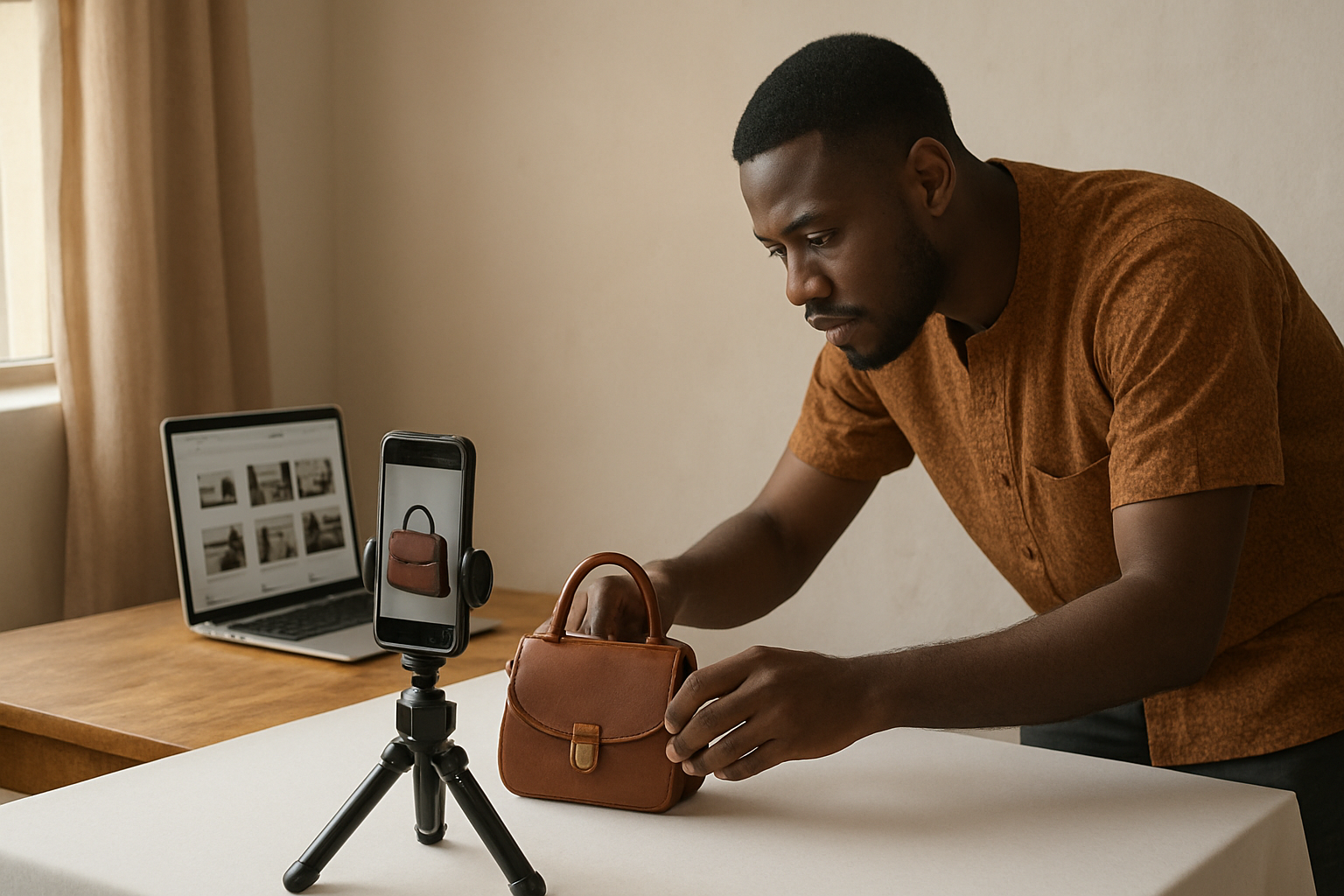
Photos: invest in the first five
Buyers rely on images. Listings with clear photos convert better than those without. Use these tips:
- Take at least five photos: front, back, sides, close-ups of important details and any flaws.
- Use natural light and a plain background. Avoid clutter and distracting reflections.
- Show the item in use if relevant (a book open to the index page, a phone powered on showing the screen).
- For used items, include close-ups of wear or serial/IMEI stickers — this reduces questions and builds confidence.
Write a description that answers buyer questions
Think like a buyer. Your description should quickly answer the questions most people will ask.
- Start with a short summary: one or two sentences that restate the title and the item’s overall condition.
- Then list key specs and features in bullet form (year, model, size, battery health, editions, included accessories).
- Be honest about defects or missing parts. Transparent sellers get fewer disputes and better reviews.
- Include delivery or pickup options, warranty details (if any) and acceptable payment methods.
- Add a short personal line: “Available for viewing in [city/neighbourhood]” or “Fast response via Selabaya messages.”
Price right: clear, simple and fair
Price affects both clicks and negotiation. Use these practical rules:
- If used, set a price within the range you found during research. If you want offers, state a firm asking price and that you will consider reasonable offers.
- For bulk or service listings, state unit prices and any volume discounts clearly.
- Show any extra fees (delivery charges, packaging) up front to avoid surprises during negotiation.
Choose the correct category, location and tags
Correct categorisation helps buyers find you. Select the most relevant category — for example, Books & eBooks if you’re selling books — and add keywords in the description that buyers might search for. Set the location clearly so local buyers know if pickup is possible.
Respond quickly and professionally
Many sales are won in the first hour. Turn on notifications for Selabaya messages and reply with clear, polite answers. If you expect delayed replies (outside office hours), say so in your listing to set expectations.
Use promotions when you need a visibility boost — wisely
Selabaya offers several promotion packages when you want extra discovery for a listing. Promotions can be useful if you’ve prepared a strong listing and still need more exposure. Consider the options and match them to your goal:
- Launch Visibility Boost or Fresh Listing Push — short discovery bursts for newly posted items.
- Category Spotlight or Category & City Boost — useful when buyers search inside a specific category or city.
- Homepage Boost or Homepage Rotation Boost — choose these if you want broader exposure on the marketplace homepage.
Promotions don’t replace a good listing. Use them after you’ve applied the photography, description and pricing tips above so the extra impressions have a higher chance to convert.
After the sale: close professionally
Confirm payment and delivery arrangements clearly. After completion, ask for feedback and update your listing status to “sold.” Good post-sale notes and timely updates improve buyer trust and make future sales easier.
Quick checklist before you hit Publish
- Title: clear and accurate
- Photos: 5+ high-quality images, including flaws
- Description: short summary + bullet specs + delivery/payment info
- Price: researched and transparent
- Category & location: correct and specific
- Response readiness: notifications on
- Promotion: chosen only after listing is optimized
Ready to create a listing that sells? Post your ad now and follow this checklist to increase your chances of converting clicks into buyers.
Post your ad on Selabaya
Create your listing now